A design picked for the trade.
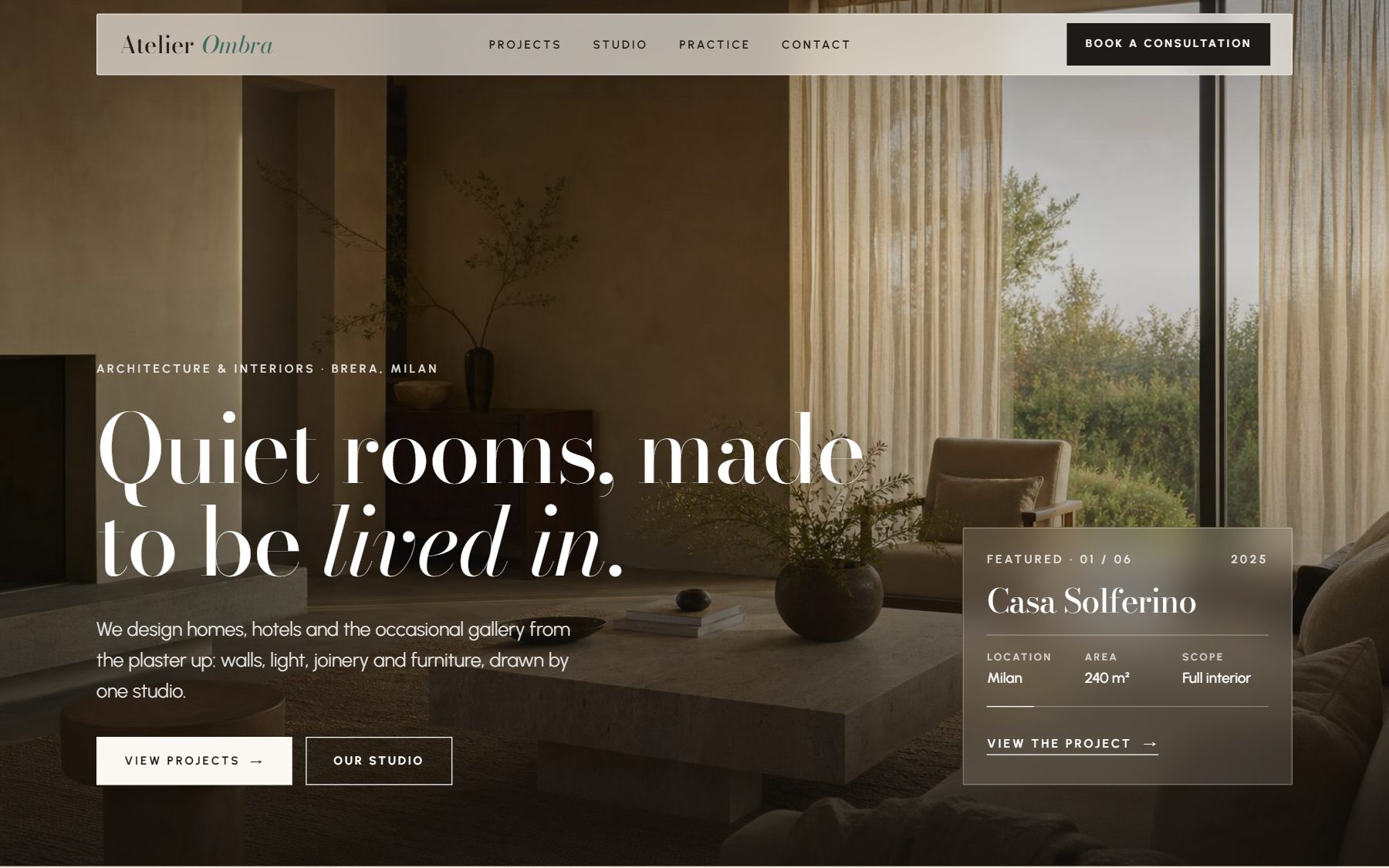
A bakery and a law firm get different designs, each from Doko’s own library. Ask for another direction and Doko moves to a different design.
Tell Doko what the business does. It picks one of its own designs, writes the pages, database and API, and puts the site online when you say so.
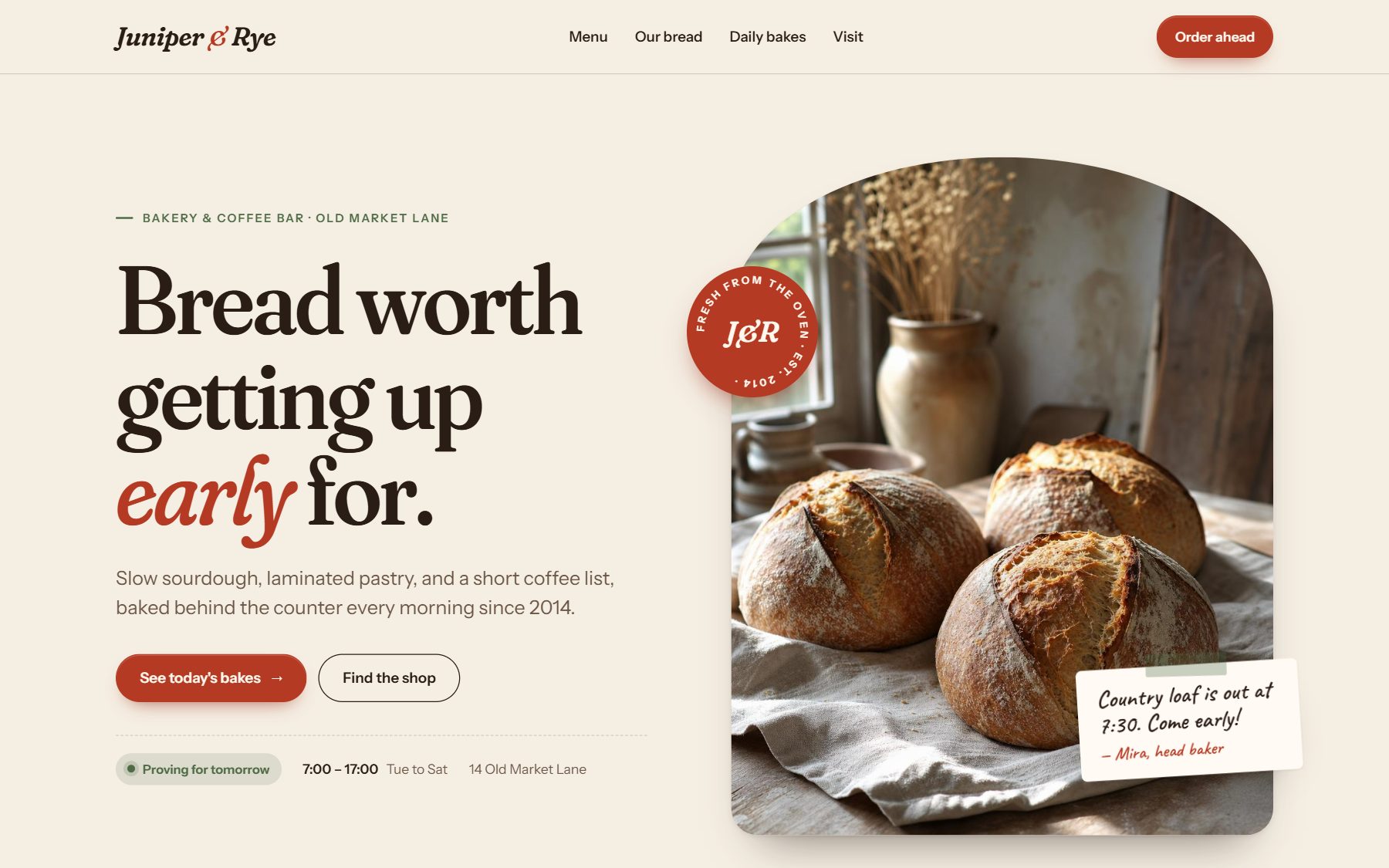
A bakery and a law firm get different designs, each from Doko’s own library. Ask for another direction and Doko moves to a different design.
The preview fills in beside the chat as Doko writes. Open the code at any point, or switch the preview to phone width.
Building · Juniper & Rye
  Wrote      index.html, 212 lines    ✓
  Wrote      menu.html, 148 lines     ✓
  Wrote      css/styles.css           ✓
  Writing    js/main.js               ●
Every page, stylesheet and script is a file of its own, with a README that says how to run it. Save the project to GitHub in one step.
Ask for a new headline, price or section, and Doko changes that part alone. The rest stays as you approved it.
Edited index.html
- Fresh bread, every day
+ Bread worth getting up early for.
  1 change, nothing else touched
A plain site goes live free on a dokoagent.com link, with nothing to connect. For your own domain or a backend, Doko deploys to your Vercel account.
Vercel · juniper-rye
  Upload        9 files           ✓
  Build         ready in 18 s     ✓
  Live          in your Vercel account
  Add your domain to the project?
  [ Allow ]   [ Don't allow ]
Doko packages the same project for Android, Windows, macOS, Linux and the iPhone Simulator. The builds run on your own GitHub Actions.
What you sell, who buys it, and anything you already have.
a few sentencesDoko picks the design and writes every file in view.
real filesAsk for changes in your own words.
edits in placeA free Doko link, your Vercel account, or GitHub.
a live linkAnything else, ask support.
No. Describe the business in your own words and Doko writes the code. If you do code, every file is open to read and edit.
Doko starts from a design matched to your business, never one from your last twelve builds. Your words and photos replace the samples.
Yes. With Vercel connected, Doko adds your domain once you approve it. A plain site can also start on a free dokoagent.com link.
You do. Download the files, keep them on GitHub, or host them wherever you like.
Online shops, booking and order systems, dashboards, backends with a database and an API, and installable apps for phones and computers.
No. Deploys, pull requests and merges wait for you to click Allow. On GitHub you can switch on Always allow; a merge into your main branch still asks.